
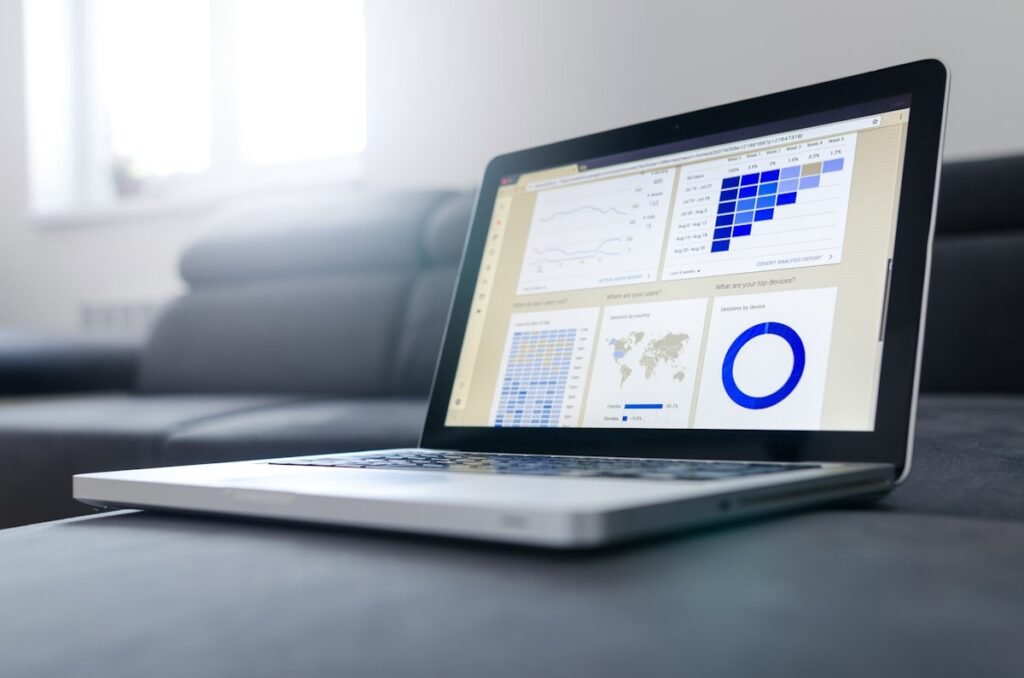
⚡ Quick Answer: The best financial dashboard tools for small businesses in 2026 are QuickBooks Online (built-in, best all-in-one), Fathom (best for analysis/reporting), LivePlan (best for financial planning and forecasting), and Databox (best for KPI dashboards). (QuickBooks Online for Beginners 2026) See full comparison and pricing below.
Most accounting software shows you what happened in the past. A financial dashboard shows you what’s happening right now — and what’s likely to happen next. For small business owners who want to make data-driven decisions, a well-designed financial dashboard is invaluable.
Key Takeaways
- Most accounting software (QuickBooks, Xero) includes a basic financial dashboard
- Dedicated tools like Fathom or LivePlan offer more visual, presentation-ready dashboards
- The most important KPIs to track: revenue, gross margin, net profit, cash balance, DSO, and runway
- Dashboards are only as good as the underlying data — clean bookkeeping is essential
Key Financial Metrics Every Small Business Should Track
Revenue — total sales, compared to prior period and budget
Gross Margin — revenue minus cost of goods sold, expressed as a percentage
Net Profit Margin — net income as a percentage of revenue
Cash Balance — current cash on hand across all accounts
DSO (Days Sales Outstanding) — average number of days to collect payment after invoicing
Cash Runway — how many months you can operate at current burn rate with current cash
Best Financial Dashboard Tools
1. QuickBooks Online Dashboard — Best Built-In Option
QuickBooks’ built-in dashboard shows profit and loss, income, expenses, bank account balances, and outstanding invoices in a single view. It’s not the most visually stunning, but it’s integrated with your real-time data and requires no additional setup or cost.
2. Fathom — Best for Visual Reporting
Fathom connects with QuickBooks, Xero, and MYOB to create beautiful, customizable dashboards and reports. It’s especially popular with accountants who need to present financial performance to clients. Pricing starts at $39/month for one company.
3. Finmark — Best for Startups and Forecasting
Finmark is a financial modeling and dashboard platform designed for startups. It pulls data from QuickBooks, Stripe, and other sources to show real-time metrics alongside your financial projections. Particularly useful for businesses preparing for fundraising.
4. Google Looker Studio (Free) — Best for Custom Dashboards
Google Looker Studio (formerly Data Studio) is free and connects to hundreds of data sources. With some setup time, you can build a fully customized financial dashboard that pulls from QuickBooks, Google Sheets, your bank via Plaid, and other sources. It requires more technical setup but is free and highly flexible.
Our Pick
For most small businesses, the built-in QuickBooks Online or Xero dashboard is sufficient. If you need more visual reporting or want to share dashboards with investors or advisors, Fathom is the best dedicated tool.
This content is for informational purposes only and does not constitute financial advice.
Frequently Asked Questions
What is the best financial dashboard for a small business?
QuickBooks Online’s built-in dashboard covers most small businesses with real-time P&L, cash flow, and expense snapshots. For deeper analysis, Fathom ($49/month) and LivePlan ($20/month) provide powerful KPI tracking and visual reporting.
What should a small business financial dashboard show?
A good financial dashboard shows: monthly revenue vs. expenses, cash balance and runway, accounts receivable aging, accounts payable upcoming due dates, gross profit margin, and YTD comparison to prior year and budget.
Do I need separate dashboard software or does QuickBooks have one?
QuickBooks Online, Xero, and FreshBooks all include built-in financial dashboards. For most businesses under $2M in revenue, the built-in dashboard is sufficient. Separate tools like Fathom and LivePlan add value for businesses doing financial planning or investor reporting.
How do I track KPIs for my small business?
Set 3–5 key financial KPIs (e.g., monthly revenue, gross margin, cash runway, customer acquisition cost) and review them weekly. Your accounting software dashboard or a simple Google Sheets tracker updated from bank and accounting data works well.
What is the difference between a financial dashboard and accounting software?
Accounting software records transactions and generates standard financial reports. A financial dashboard visualizes those numbers in real-time, tracks trends, and often connects multiple data sources (accounting, sales, marketing) for a complete business health view.
Recommended Resources
Related Articles
- QuickBooks Online for Beginners 2026 — The top-rated guide to QuickBooks — setup, invoicing, payroll, and reporting.
- Accounting All-in-One For Dummies — Comprehensive coverage of small business accounting, bookkeeping, and tax basics.